Step 1:-
Let us Choose any movie to download:-
- Click on Download Button.
- After Clicking on the Download Button a page like this will appear.
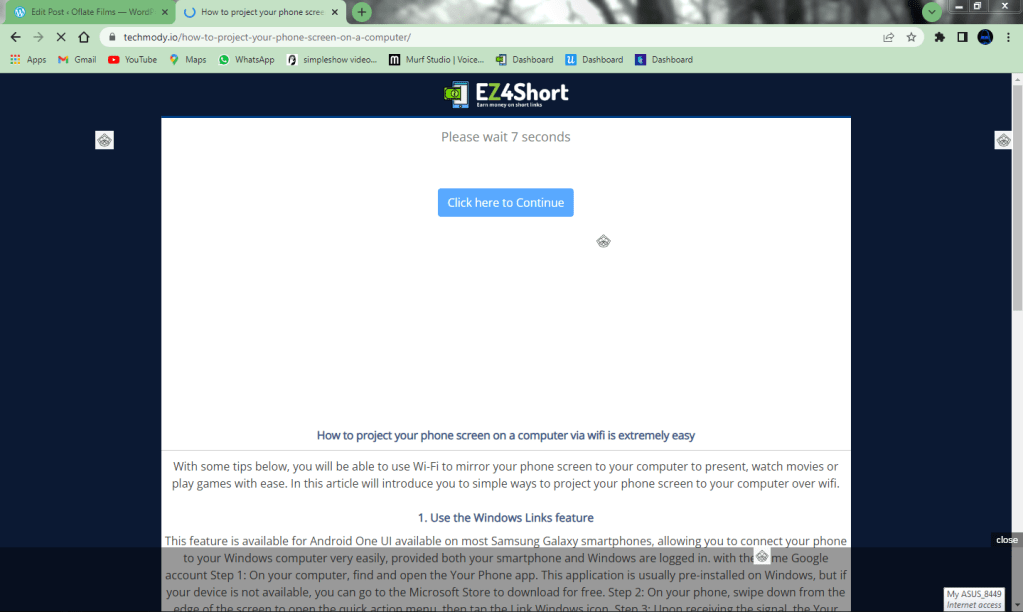
3. Wait for 8 seconds, many ads will appear, after 8 seconds Click on the button Click here to Continue.
4. After Clicking on Click here to Continue a page like this will appear.
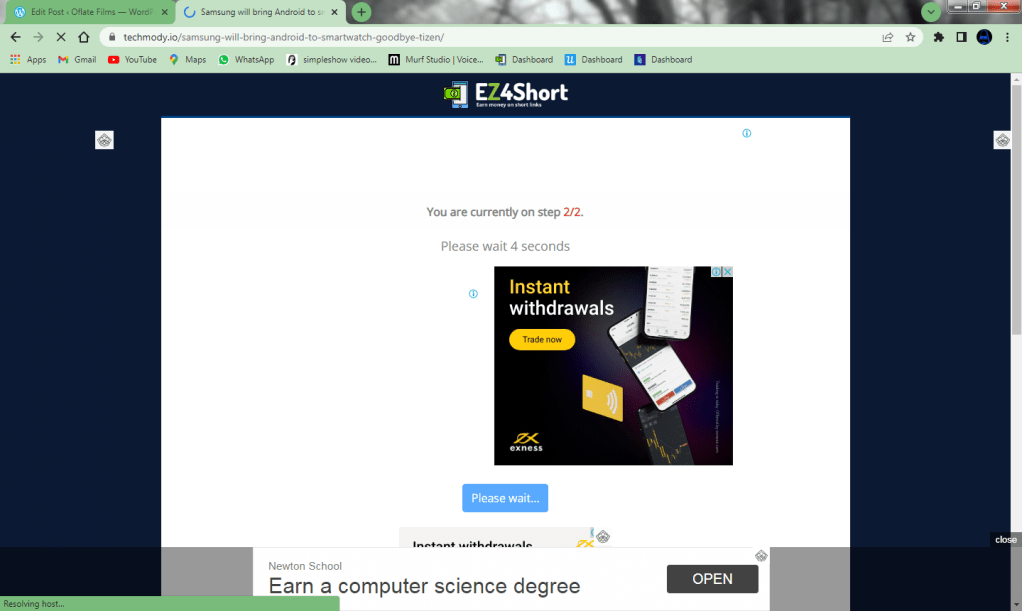
5. Wait for 8 seconds and then click on the Button Continue, if not showing Continue Button Scroll down and Click on Continue.
6. After Clicking on Continue a new page will appear.
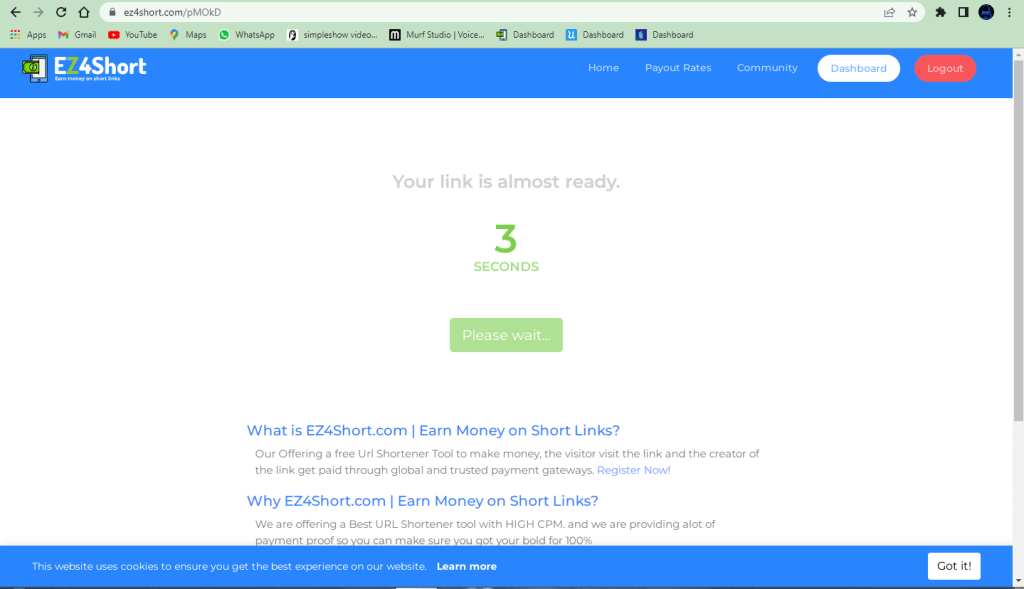
7. Wait for 3 Seconds And Click on Get Link.
8. You will Be transmitted towards your link.
Step 2:-
There are many Different Websites Connected to our website for Downloading Movies.
You can Classify them From the link on the top of the webpage.
I will show You how to Download movies From the most common sites connected to us.
GoFile
A page Like this Will appear:-
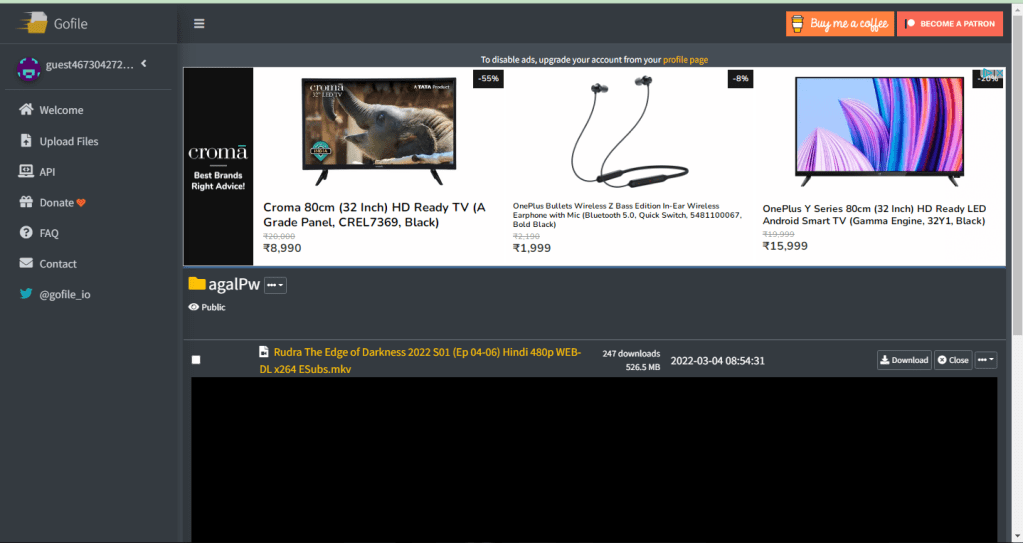
Click on the Download Button above the Video on the right corner.
Yo! Your Download Will Start.
Indi Share
Be aware of many bad ads that come in front of you.
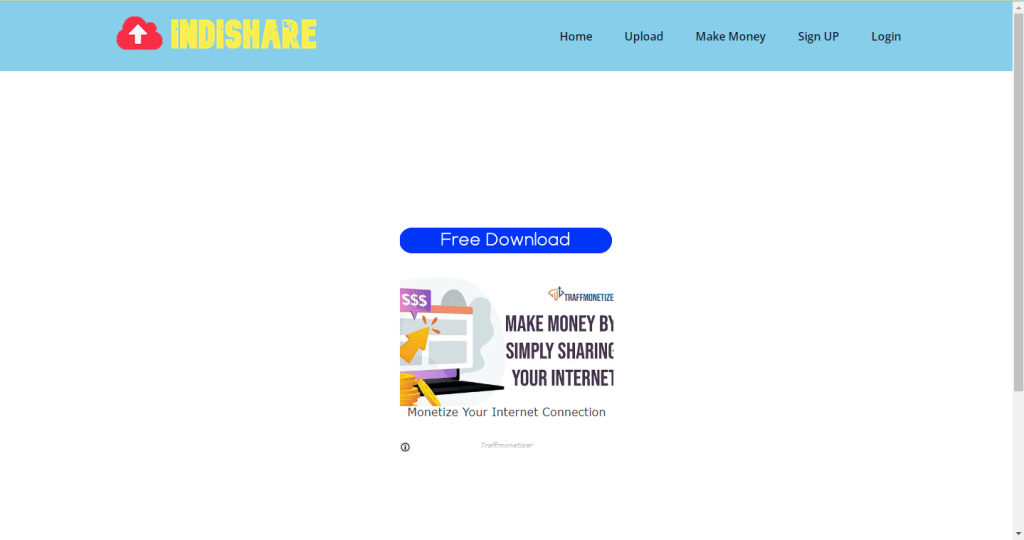
- Click on Free Download Button, fast to avoid add.
- Then Click on Click to Varify Button.
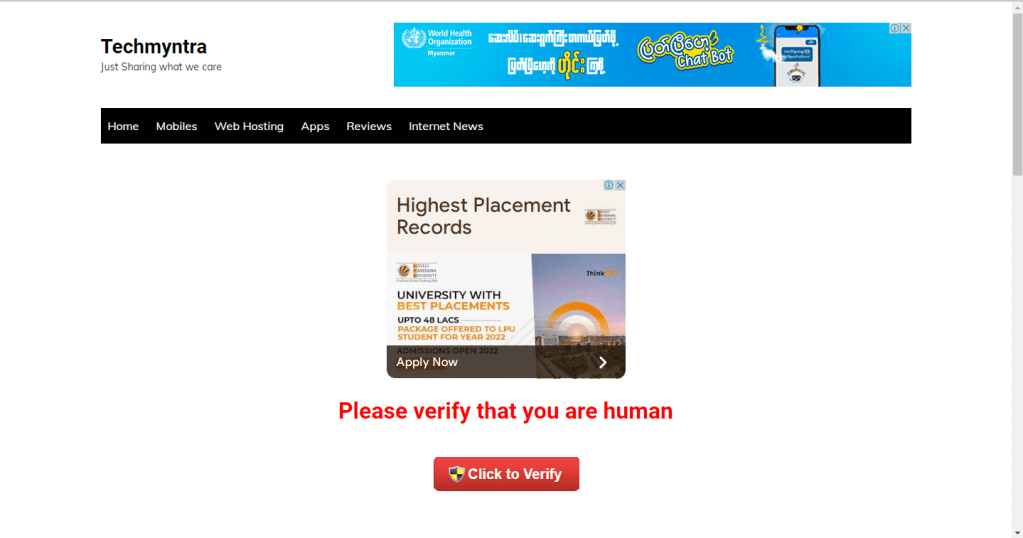
3. After Which new page will appear, wait for 30 seconds.
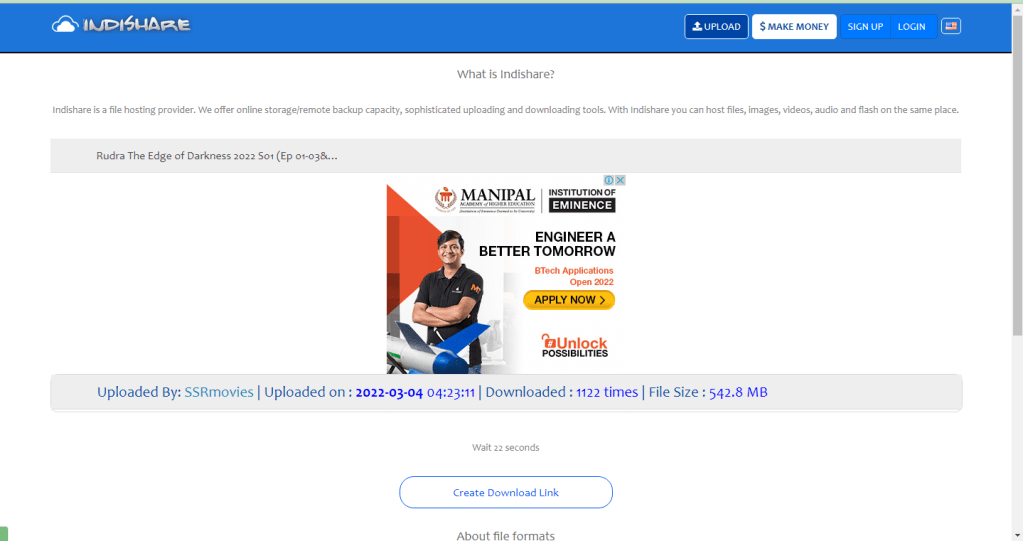
4. Click on Creat Download Link a new window may appear close the window.
5. A new page will appear wait for 25 seconds and then click on Click here to Download.
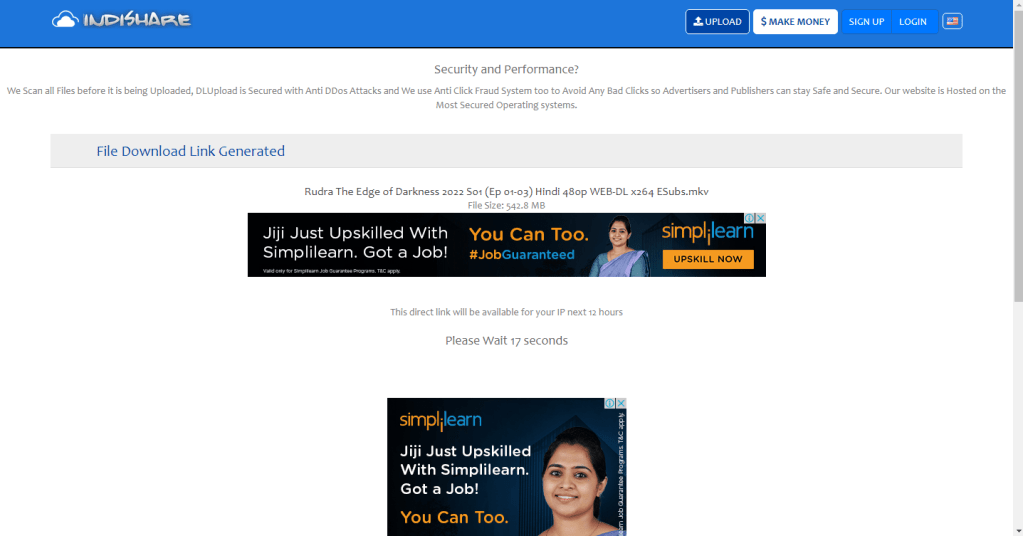
Yo! Your Download Will Start.
ClicknUpload
- Click on Free Download Button.
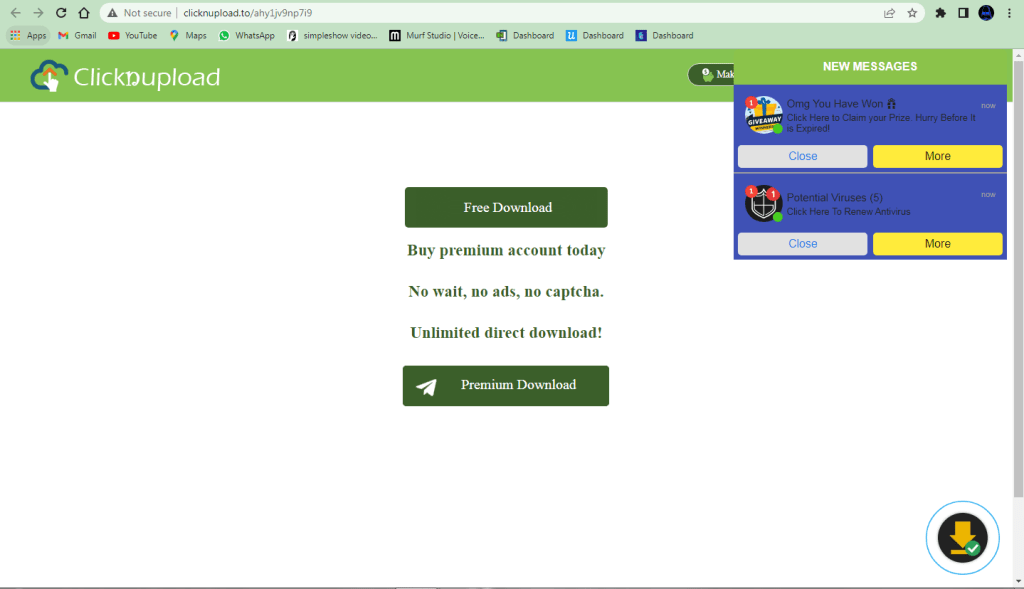
2. If you will be redirected to the new window then close the window and Once again Click on Free Download Button.
3. This may happen once.
4. Wait for 15 Seconds after Clicking of Free Download Button.
5. When you Click on the Box or anywhere on the WebPage you will be redirected to a new page, Close the tab and then Click on the Box again.
6. Fill the Code in the Box Shown in the web page below Wait 14 Seconds.
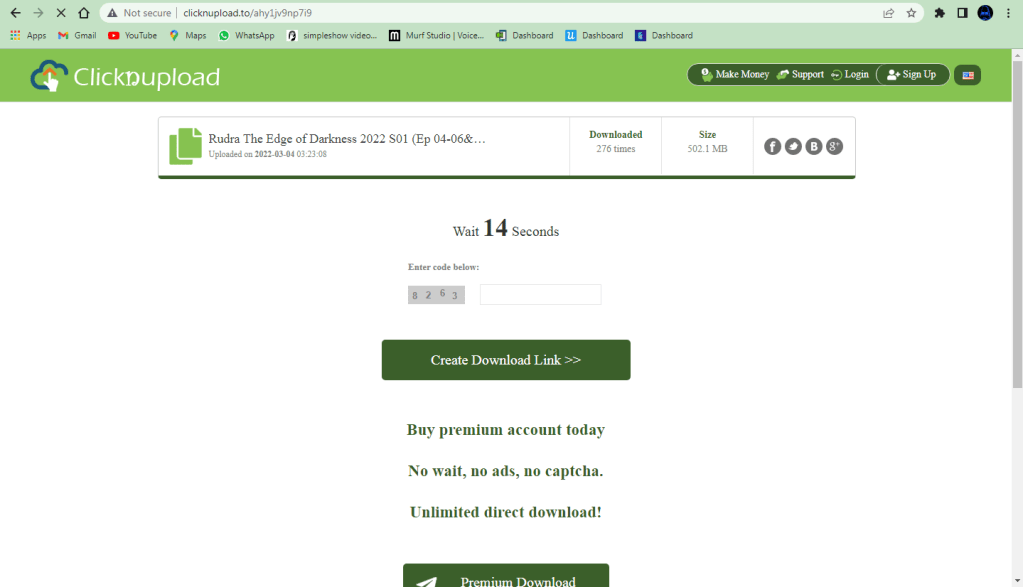
6. After Filling the Box Click on the Button Create Download Link>>, after Clicking on the Button Create Download Link>> you may go redirected to new page close the webpage and click again.
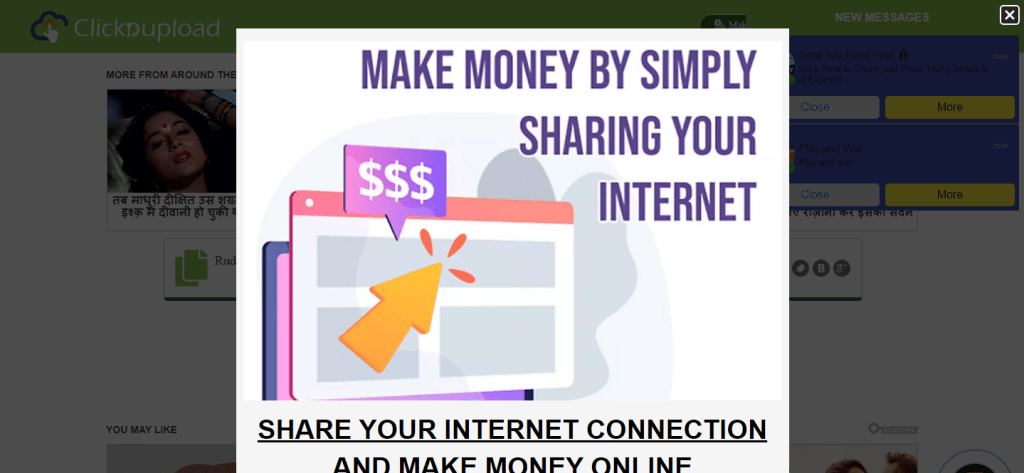
7. You may View the add like this, Click on the Cross at the Right Corner of the Top, you may be redirected to new tab, Close the tab and click once again.
8. At Last Click on Click to Start Download, you may redirected to new tab just close the tab and click once again.
Yo! Your Download will Start Automatically.
Mega
Click on the Download Button and Don’t Close the Window.
 Oflate Films